Translate
Help Translate Our Projects
To help translate our projects, you'll need to make an account on our Weblate instance. Weblate is open source, self-hosted software for managing translations.
Getting Started
- Create an account on Weblate
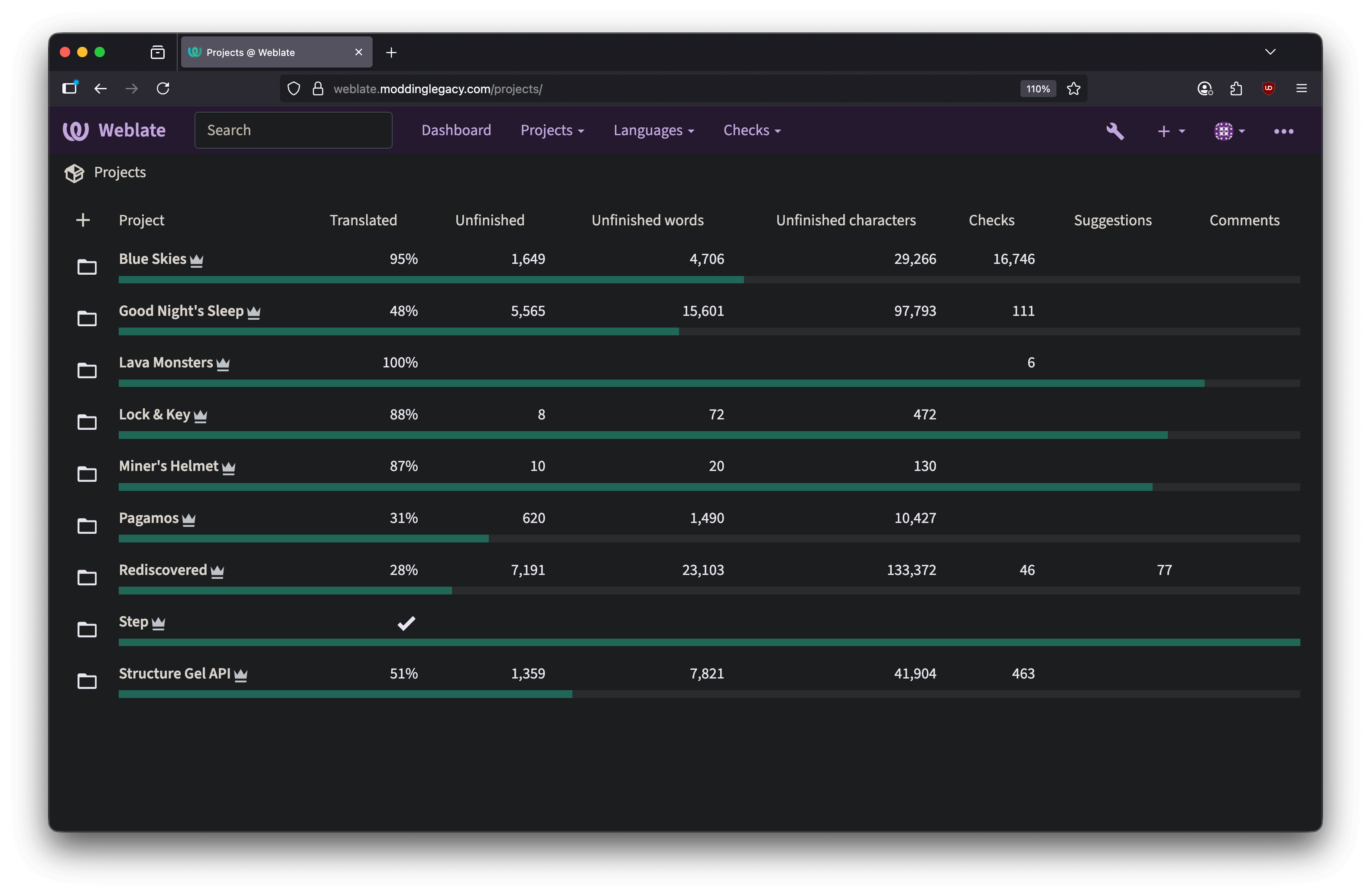
- Go to Projects > Browse All Projects
- Pick the project you want to translate
Rules
- Don't grief or put anything inappropriate
- Some things in the mod language files aren't actual words and don't exist. You have the freedom to come up with something clever for that language or leave it as English words
- If you see placeholder values like
%s, keep those in your translation - Keep punctuation consistent with the English phrase
- After translating, make sure there are no warnings or errors
Choosing Your Language
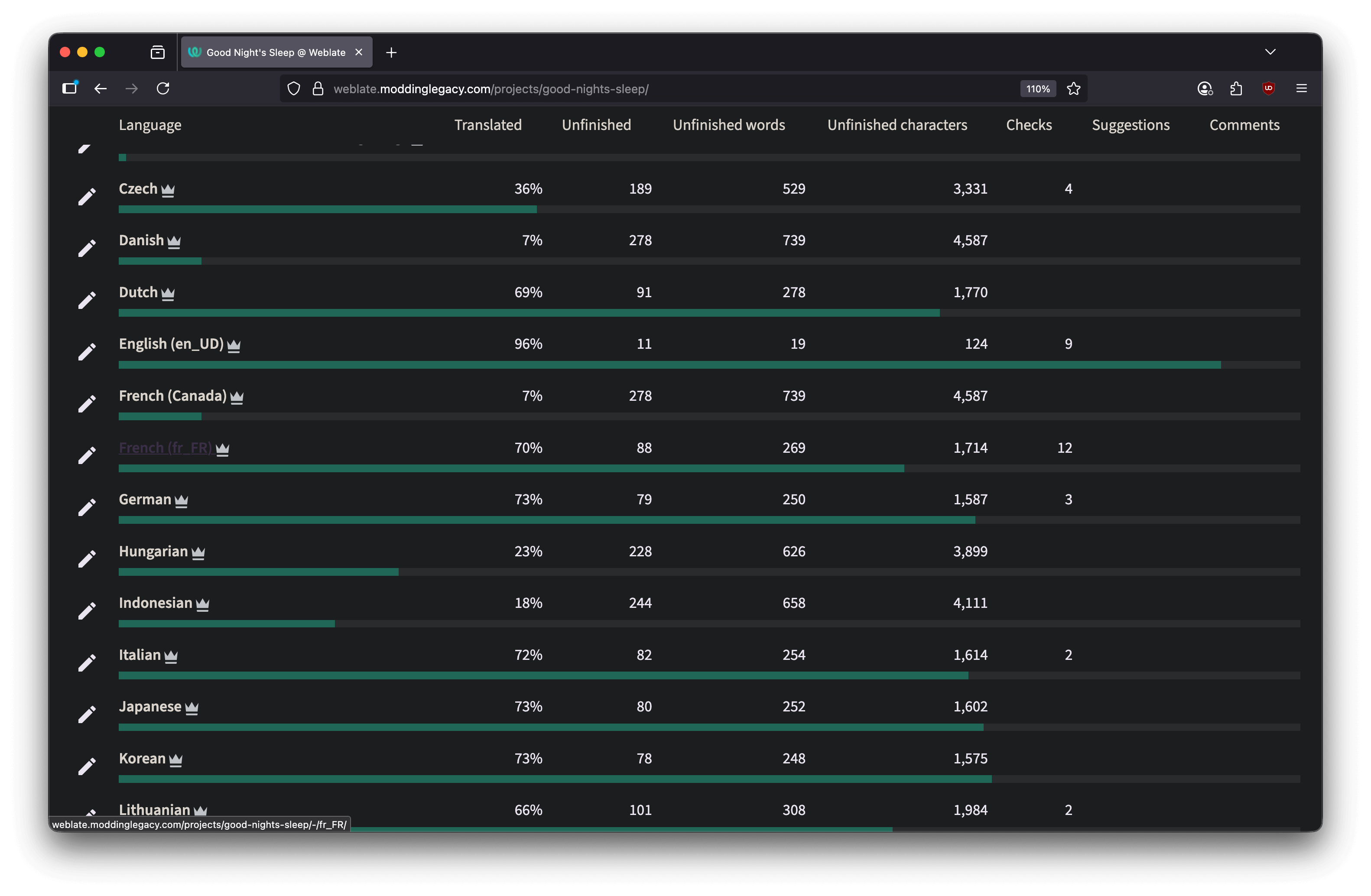
Find the language you want to translate. Pick the one that matches your locale region. For example, if you speak Canadian French, pick French (Canada). If your language isn't listed, let us know in Discord.
Understanding Components
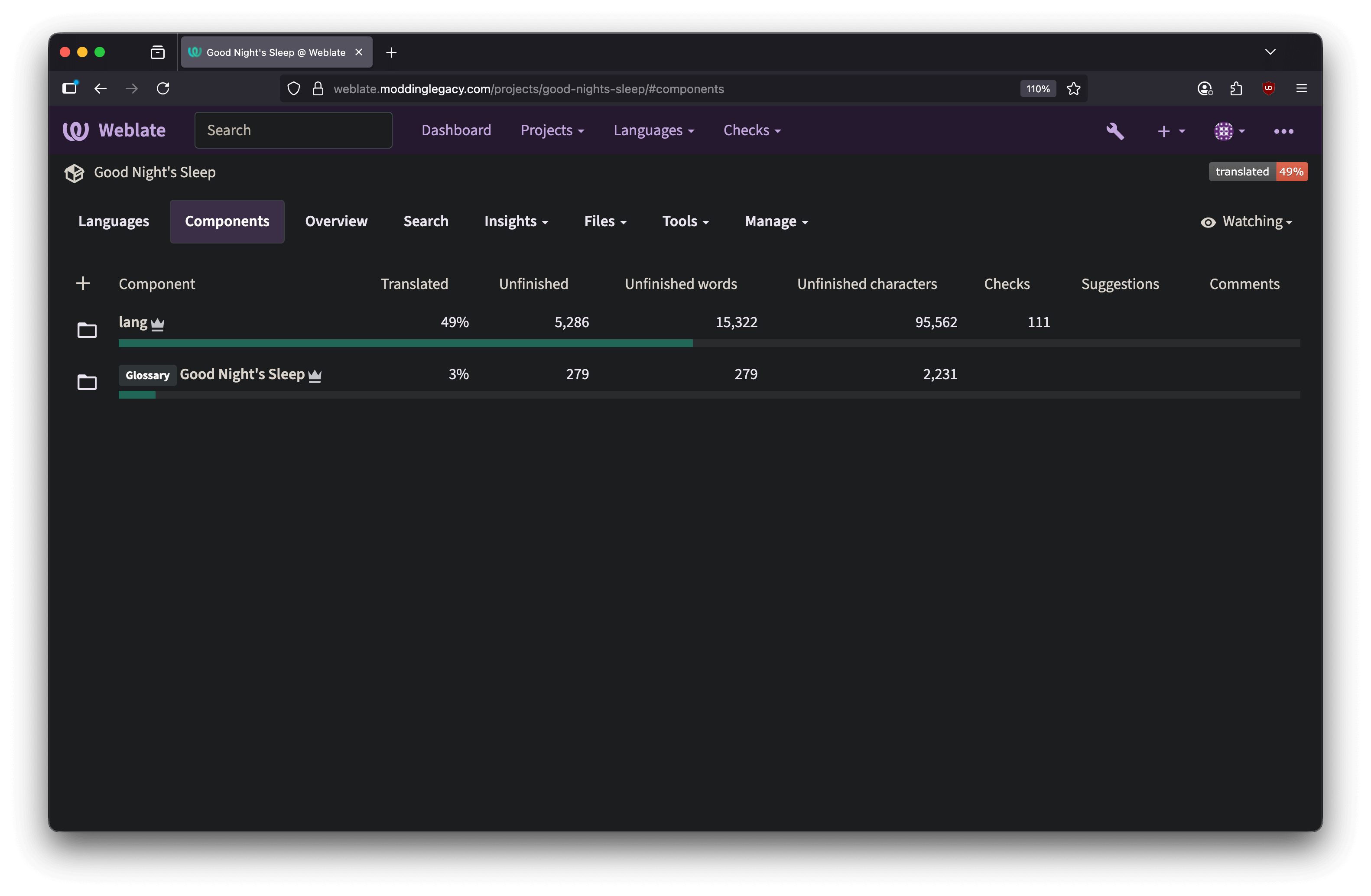
Components are sections of a project. Most of our projects have 2 components:
- lang - The mod's language file (what shows up in-game)
- Glossary - Contextual words or shared terms that the lang file uses
Translating
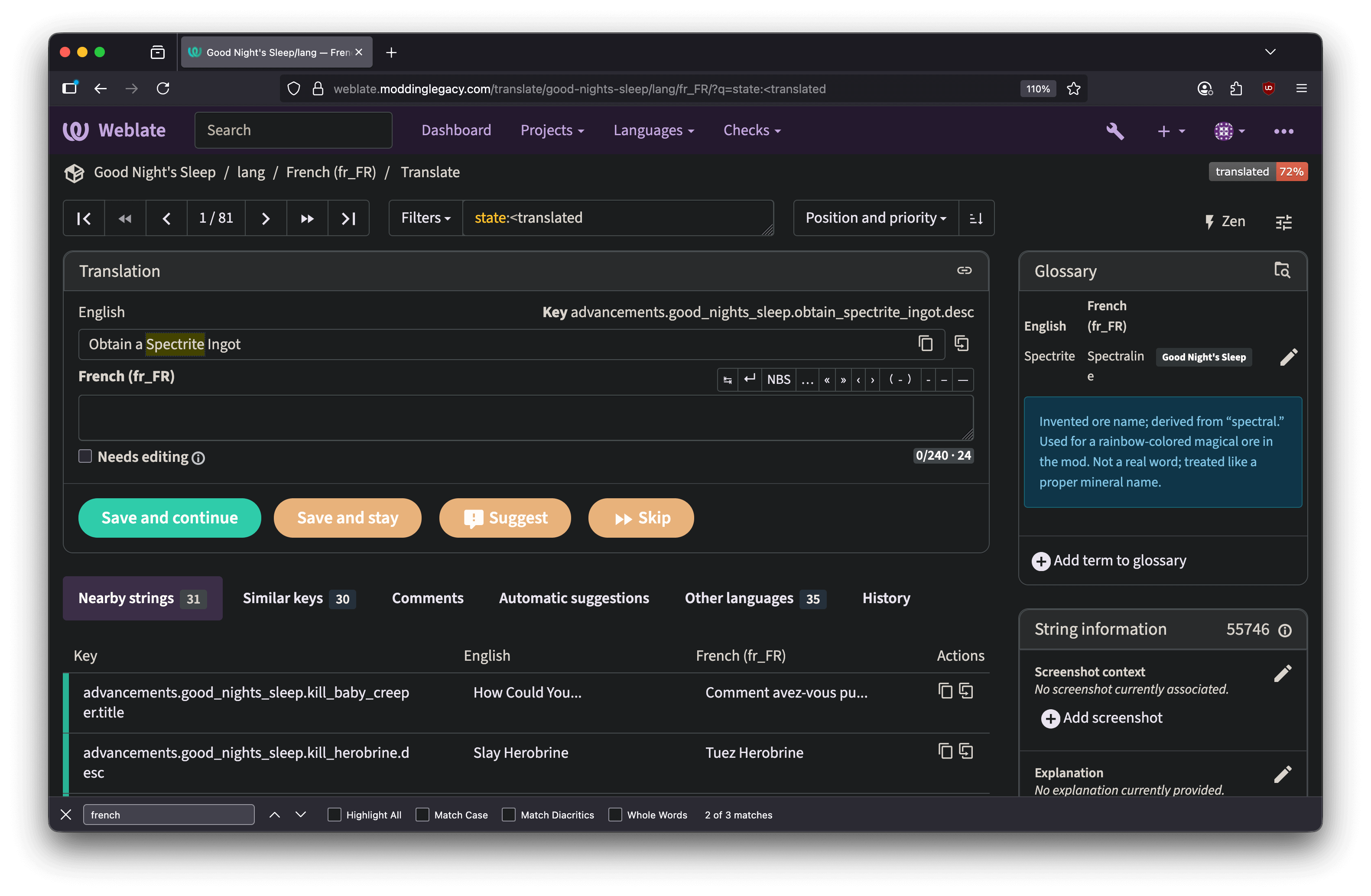
- Type your translation in the text box
- Click "Save and Continue" to move to the next string
- Make sure there are no errors or warnings when you're done
Review and Submission
Once you're done translating, we'll review what's there from time to time and approve it. Weblate automatically pushes approved translations to our git projects and credits you for your work.
If you have a GitLab account with the email address you used to register on Weblate, your GitLab username will appear in the git commits.